
Last updated on June 12th, 2026 at 07:35 am
here is a reason enthusiasts chase that deep, satisfying thock and the silky smooth glide of a premium mechanical keyboard. Out of the box, most stock switches tell a different story. Scratchy travel, plasticky rattle, and an annoying spring ping that ruins the experience. Every keystroke feels uneven and the sound is more clacky plastic toy than precision instrument.
The fix is lubrication. A carefully applied layer of the right grease reduces friction, silences unwanted noise, and transforms the sound profile from hollow to premium. It smooths out the travel, eliminates spring ping, and unlocks the true potential of your switches whether you are after buttery linears or crisp clean tactiles. The first time I installed a freshly lubed set the difference was immediately audible from across the room.
Before you start make sure you are working with switches worth the effort. Check out our guide to the Best Switches For Mechanical Keyboards to pick the perfect foundation for your first lubing project.
1. Tools of the Trade
Tools of the Trade
Before you touch a single switch, gather the right gear. Using the wrong lube or tools is the fastest way to ruin your switches.

Krytox 205g0 – the industry standard for lubing linear switches.
- Krytox 205g0 – The gold standard for linear switches and my personal go-to for everything linear. It gives a smoother, deeper feel without making the switch feel mushy. Apply to the bottom housing rails, stem sides, and top housing.
- Krytox 105 – An oil used exclusively for springs, either bag lubing or donut dipping.
- Tribosys 3203 or 3204 – Thinner greases preferred for tactile switches. I use Tribosys 3203 specifically because heavier lubes reduce the tactile bump too much. These preserve the bump while smoothing out travel.
A size 0 or 00 sable hair brush gives you precise control. Synthetic brushes can shed bristles into your switches so avoid them entirely.
A 3D-printed or metal switch opener is non-negotiable. It separates the housing safely without damaging the delicate metal leaf. Tweezers or screwdrivers will almost certainly break something.
A switch lube station keeps housings, stems, and springs organized while you work. If you are on a budget, small jars or egg cartons work fine, just do not mix up parts from different switches.
2. Prep Work (The Setup)
A clean organized workspace saves hours of frustration. Set up a well-lit desk with small containers to sort parts. Mixing up stems or springs from different switches is a headache you do not want, and one I learned the hard way on my first session when a batch of springs ended up scattered across my desk halfway through.
- If not you will need to desolder every switch before lubing and solder them back afterward. That adds significant time and requires a soldering iron. For a full walkthrough see our guide on How to Install Switches On Hot-Swap Keyboards which covers the essentials.
- Place a switch into the switch opener with the metal leaf facing away from the clip mechanism. Press down firmly and the top housing will pop off cleanly.

Use a switch opener to separate the housing, and keep your hands away from the metal leaf damage here will ruin the switch.
- Separate the top housing, stem, spring, and bottom housing. Keep the bottom housing facing up so you never accidentally touch or bend the delicate metal leaf inside.
3. The Lubing Process (Linear Focus)
With your switch disassembled and parts organized it is time to lube. Less is always more. Your goal is a thin even coat, think dirty dish rather than slathered in butter. I learned this the hard way on my first session. I used way too much lube on the stems and the switches felt sluggish and unresponsive afterward. I had to clean everything with isopropyl alcohol and start over, which added another hour to an already long evening.
- Using your size 0 brush apply a thin layer to the two rails where the stem slides. Also lightly lube the center pole hole, this is where the stem’s pole moves.
- Paint a thin coat on the sides and the front and back faces of the stem. For linear switches you can lube all four sides without worry. If you are working with tactiles skip the legs entirely, we will cover that in the next section.

Apply a thin coat to the bottom housing rails and the sides of the stem for smooth, consistent linear switch performance.
- A quick pass on the inside walls where the stem makes contact is optional but adds a final touch of smoothness.
4. The Special Case: Tactile Switches
Tactile switches require a different approach. Their signature bump comes from a protrusion on the stem legs interacting with the metal leaf. Lubing those legs dulls or completely kills the tactile feel, turning a crisp bump into a mushy linear-like mess.
- Linear: Lube all four sides of the stem freely. The goal is maximum smoothness.
- Tactile: Lube only the sides of the stem. Never lube the legs. Leave the front and back faces untouched so the bump remains crisp.

Lube all sides of a linear stem for smoothness, but keep the legs of a tactile stem clean to preserve the tactile bump.
- Same as linear. Lube the rails and center pole hole. Still avoid the metal leaf entirely.
- The result is smooth friction-free travel that preserves every bit of the intended tactile feedback.
5. Springs (The Ping Killer)
Spring ping, that metallic reverberation after a keystroke, is one of the most annoying sounds in an unlubed keyboard. Taming it is easy with two proven methods.
- Place your springs in a small zip-top bag with a few drops of Krytox 105 oil. Seal the bag and shake gently for a minute until the springs have a thin even coating. Dump them onto a paper towel to dry briefly before reassembly.

Bag lubing springs with Krytox 105 creates a thin, even coating that eliminates spring ping quickly.
- For a quieter more controlled approach use Krytox 205g0. Dip just the bottom coil of each spring into the grease. The donut of thick lube cushions the spring against the bottom housing, eliminating ping without affecting switch feel.
Both methods work. Bag lubing is faster for bulk batches. Donut dipping offers more precision.
6. Switch Films (Optional but Recommended)
Switch films are thin sheets, usually polycarbonate or PET, placed between the bottom housing and top housing. They serve two purposes: reducing stem wobble and tightening the sound profile for a deeper more consistent tone.
Not every switch needs films. If your switch housings snap together tightly with no visible gap you can skip them. But if you notice a loose fit or excessive stem wobble, films make a noticeable difference.
- After lubing place the film over the bottom housing aligning it with the clips. Then snap the top housing on as usual. The film compresses slightly creating a tighter seal.
Worried about interfering with the leaf? Films sit above the leaf mechanism and do not affect contact or actuation. For a deeper dive into how the leaf works check out our guide on Keyboard Switch Leaves Explained.
7. Reassembly & Testing
Once every component is lubed it is time to put everything back together. Snap the top housing onto the bottom housing and you should hear a firm click. If the housing does not close easily check that the film if used is not misaligned or too thick.
- This step is non-negotiable. Place the reassembled switch into a switch tester, a multimeter set to continuity mode, or directly into your hot-swap keyboard. Press the stem several times to confirm it registers every keystroke without sticking.
If a switch fails to register the most likely culprit is lube on the metal leaf or a bent leaf from handling. Disassemble, clean the leaf with isopropyl alcohol, and retest.
- Once all switches pass testing install them into your keyboard. If your board is hot-swap install carefully to avoid bent pins. For soldered builds now is the time to solder them in place.
Conclusion
Lubing your switches is one of the most rewarding upgrades you can make to a mechanical keyboard. The process takes patience, especially the first time around, but the payoff is undeniable. Smoother keystrokes, a deeper sound profile, and a typing experience that feels truly your own. My first full set took me close to three hours. By the third batch I had a rhythm and the result each time was a keyboard that sounded and felt like something I built rather than something I bought.
Start with a small batch of 10 switches. Master the technique, trust the process, and soon you will wonder why you did not do it sooner.
Ready to take your build further? Explore our guides on How to Build a Custom Keyboard and How to Make Custom Keycaps to complete your ultimate setup.

What does thock mean? We break down the deep, satisfying keyboard sound, how to achieve it, and why it might not be for everyone.
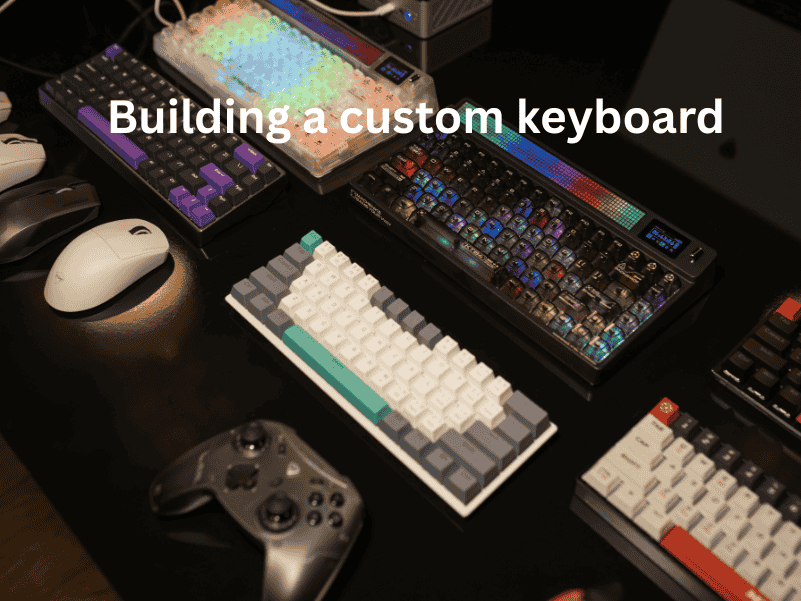
How to build a custom keyboard: step-by-step assembly guide, component selection tips, and customization tricks for your perfect typing setup.
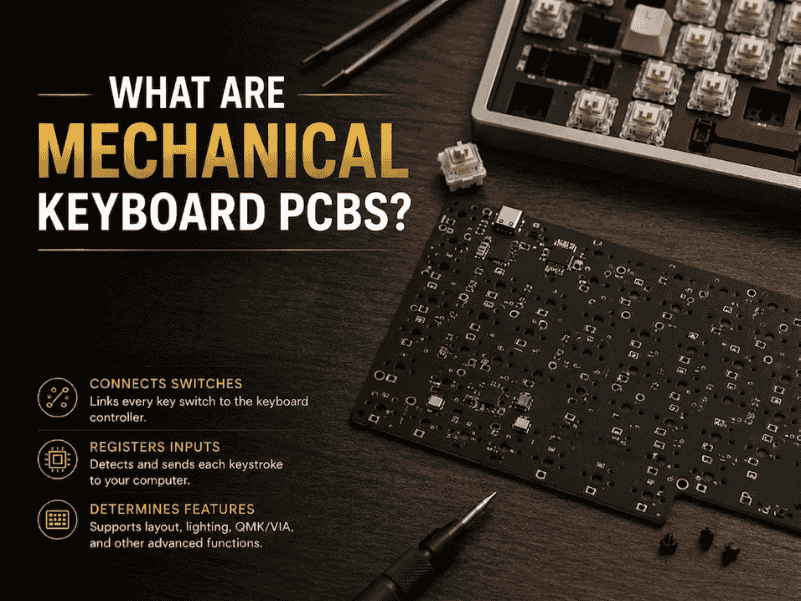
What are Mechanical Keyboard PCBs? A simple guide to their role, types, and importance in building and customizing keyboards.
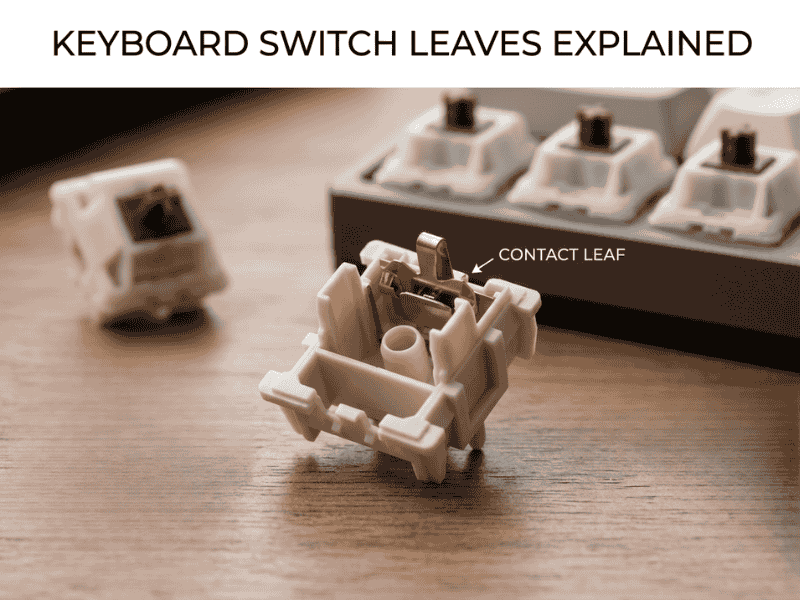
Keyboard Switch Leaves Explained: learn how leaf design, material, and spring tension impact switch responsiveness and typing feel.