Redragon’s K673 MAX packs a lot into a compact 75% layout. You get an 81‑key board with a tactile, premium feel, a volume knob, full RGB, and three ways to connect. It’s priced aggressively, yet feels miles above typical budget options.
Design & Build Quality
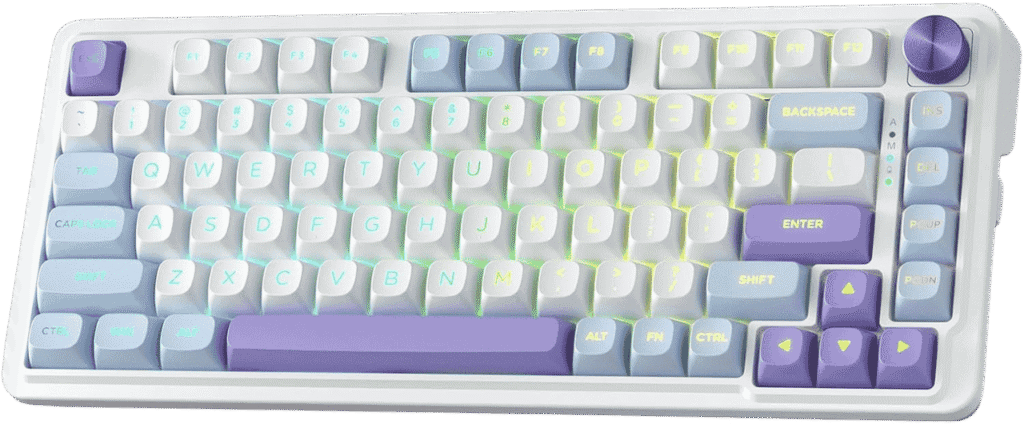
The K673 MAX sports a sturdy plastic frame with a subtle brushed‑metal top plate. The ANSI layout fits standard 75% expectations—no numpad, but arrow and nav keys tucked in neatly. Overall weight and finish give it a reassuring heft that doesn’t slide around mid‑game.
Gasket‑Mount & Noise Dampening
Instead of the usual screw‑in plate, Redragon uses a gasket‑mount design with five layers of foam and silicone. That vertical cushioning cuts harsh highs and gives typing a gentle “thock”.
Hot‑Swappable Flexibility
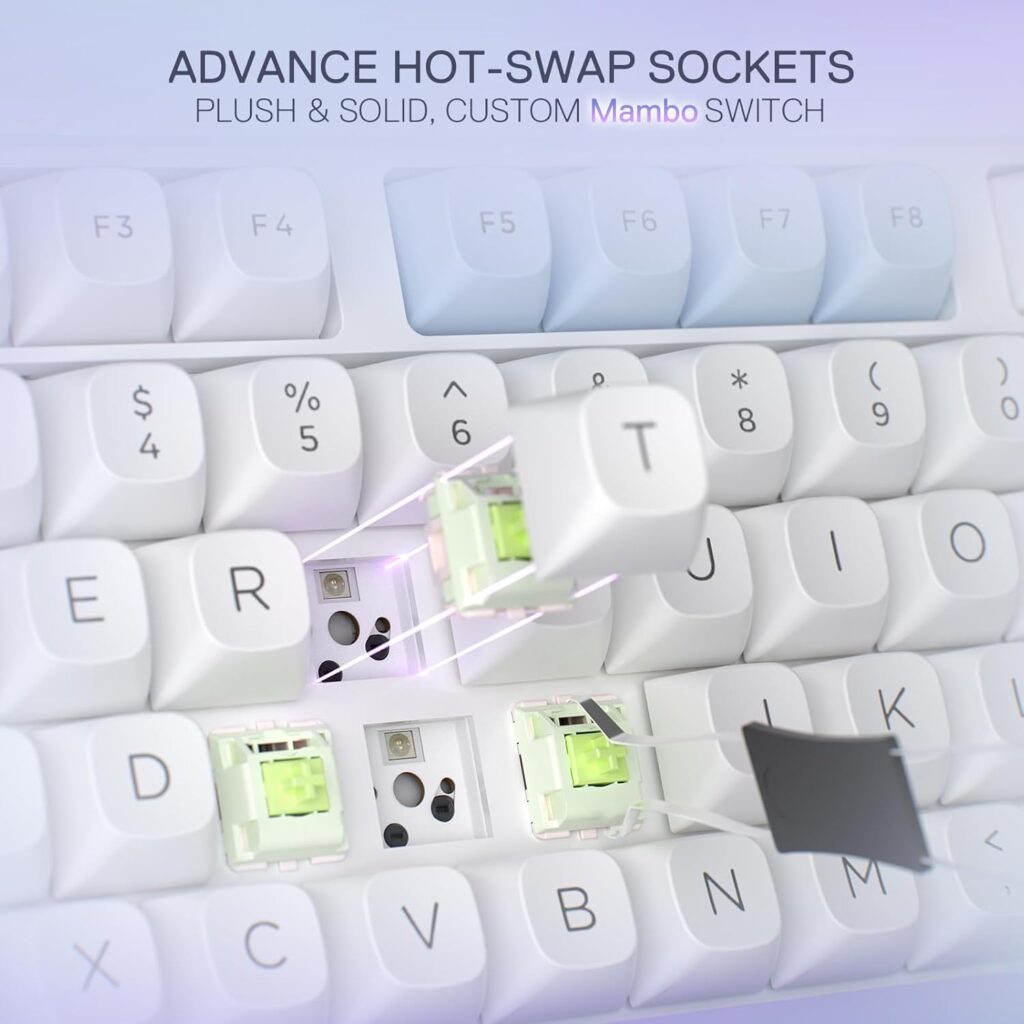
Out of the box, the K673 MAX comes with custom linear Mint Mambo switches, but the hot‑swap sockets accept any 3‑ or 5‑pin mechanical switch. Swapping springs or stems to fine‑tune tactility or sound is dead simple.
Tri‑Mode Connectivity
You’re not limited to wired. Tri‑mode means USB‑C, Bluetooth 3.0/5.0, and 2.4 GHz wireless via a snug storage hub built into the case. Jump between your PC, phone, and console without re‑pairing every time.
Dedicated Knob & Controls
A metal volume knob sits top‑right. Twist for volume, press for mute. It’s a small touch, but feels high‑end—no macgyvered encoders here. It doubles as a customizable macro key once you dive into the software.
PBT Keycaps & Aesthetics
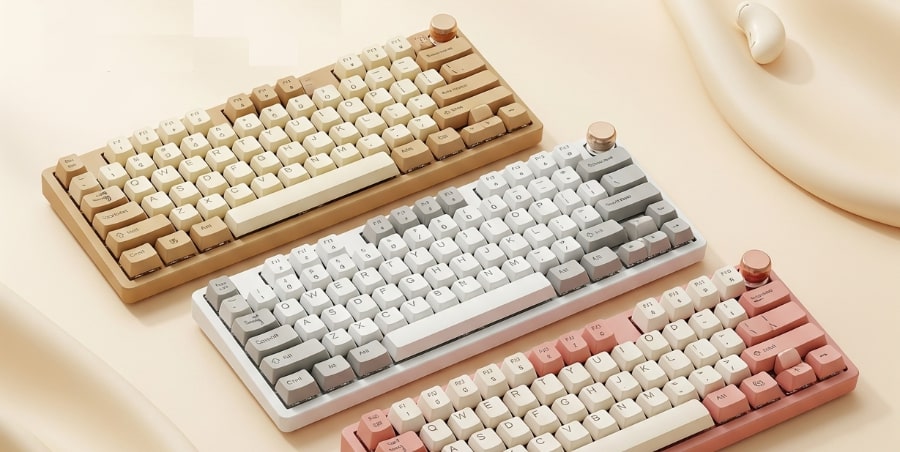
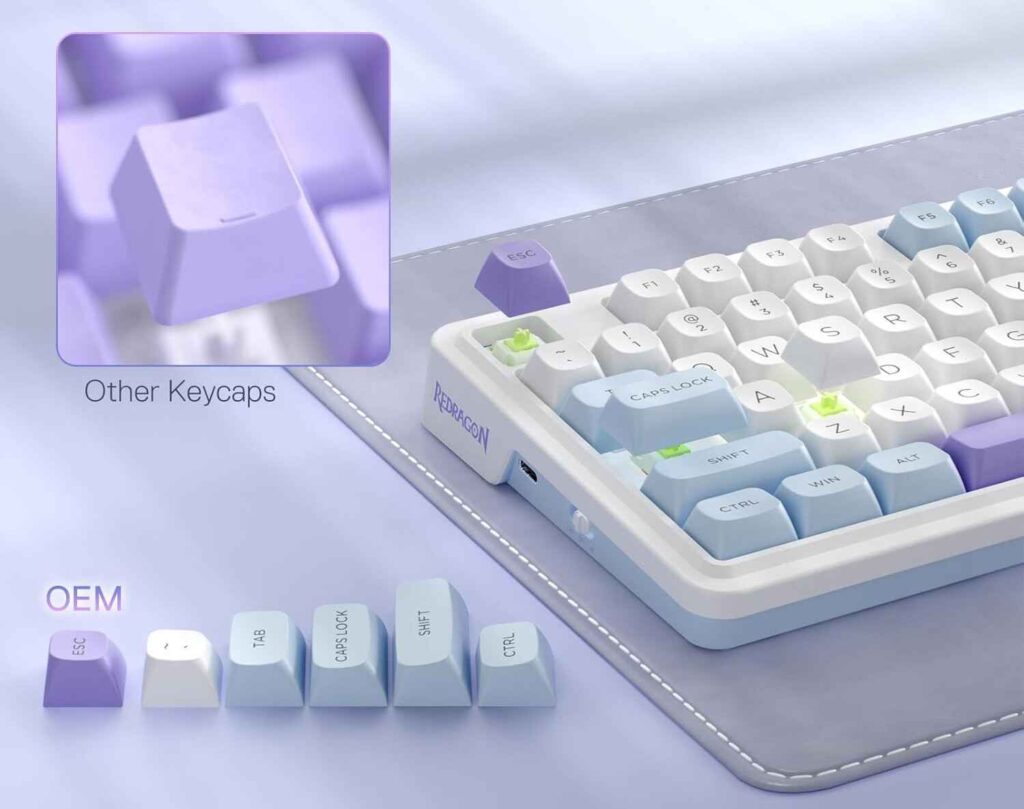
Keycaps are two‑tone PBT in a DSA‑style profile (lavender and white on many editions). The legends glow bright through each cap, and PBT texture resists shine over time. OEM‑profile fans will feel right at home.
Battery Capacity & Runtime
Inside is a 4 000 mAh cell—bigger than the Pro’s 3 000 mAh. Expect about two weeks of mixed use on medium RGB (or much longer with lighting off).
Software & Customization
Redragon’s software unlocks RGB profiles, lighting effects, macro programming and knob remapping. It’s not the slickest UI out there, but it gets the job done. Once you flash profiles, they stick even in wireless mode.
Typing & Gaming Experience
The gasket mount softens bottom‑out, giving each keystroke a muted thump. Gamers will appreciate full NKRO and 1 000 Hz polling in wired, slightly lower rates in wireless. The knob and compact layout let you focus on in‑game controls without unnecessary desktop clutter.
Technical Specifications
| Specification | Detail |
| Model | Keychron Q3 Max Wireless |
| Layout | 80 percent (TKL, 87 keys) |
| Dimensions | 365 × 137 × 19.7 – 32.6 mm |
| Weight | 2,045 g (assembled) |
| Chassis Material | CNC‑machined 6063 aluminum |
| Mounting System | Double‑gasket (silicone & plate gaskets) |
| Plate Material | Polycarbonate (PC) |
| Switch Options | Gateron Jupiter: Red (linear), Brown (tactile), Banana (tactile) |
| Hot‑Swappable | Yes (3‑pin & 5‑pin MX‑style sockets) |
| Keycaps | OSA profile double‑shot PBT (choice of standard or side‑printed) |
| Stabilizers | Screw‑in PCB‑mount, factory‑lubed |
| Connectivity | USB‑C wired (1,000 Hz), 2.4 GHz wireless (1,000 Hz), Bluetooth 5.1 (90 Hz) |
| Battery | 4,000 mAh Li‑Polymer; up to 180 hr (no backlight), 100 hr (RGB on); ~5 hr full charge |
| Firmware | QMK / VIA |
| Onboard Memory | 3 profiles |
| Backlighting | South‑facing RGB LEDs; 22 built‑in effects |
| N‑Key Rollover | Full (wired & wireless) |
| Operating Systems | macOS, Windows, Linux |
| Included Accessories | USB‑C to USB‑A cable, keycap & switch pullers, extra foam sheets |
| Warranty | 1 year limited |
Pros
Cons
Conclusion
If you want a compact, versatile board that punches above its price, the K673 MAX delivers. Gasket mounting, a knob, hot‑swap, tri‑mode wireless and solid battery life make it a tough value to beat.